Five parts. One brain. Nothing to learn.
Dimple is one assistant that works across your phone, your texts, your website and your schedule. Whatever channel a patient uses, it's the same Dimple, with the same knowledge of your practice and the same rules.
The receptionist
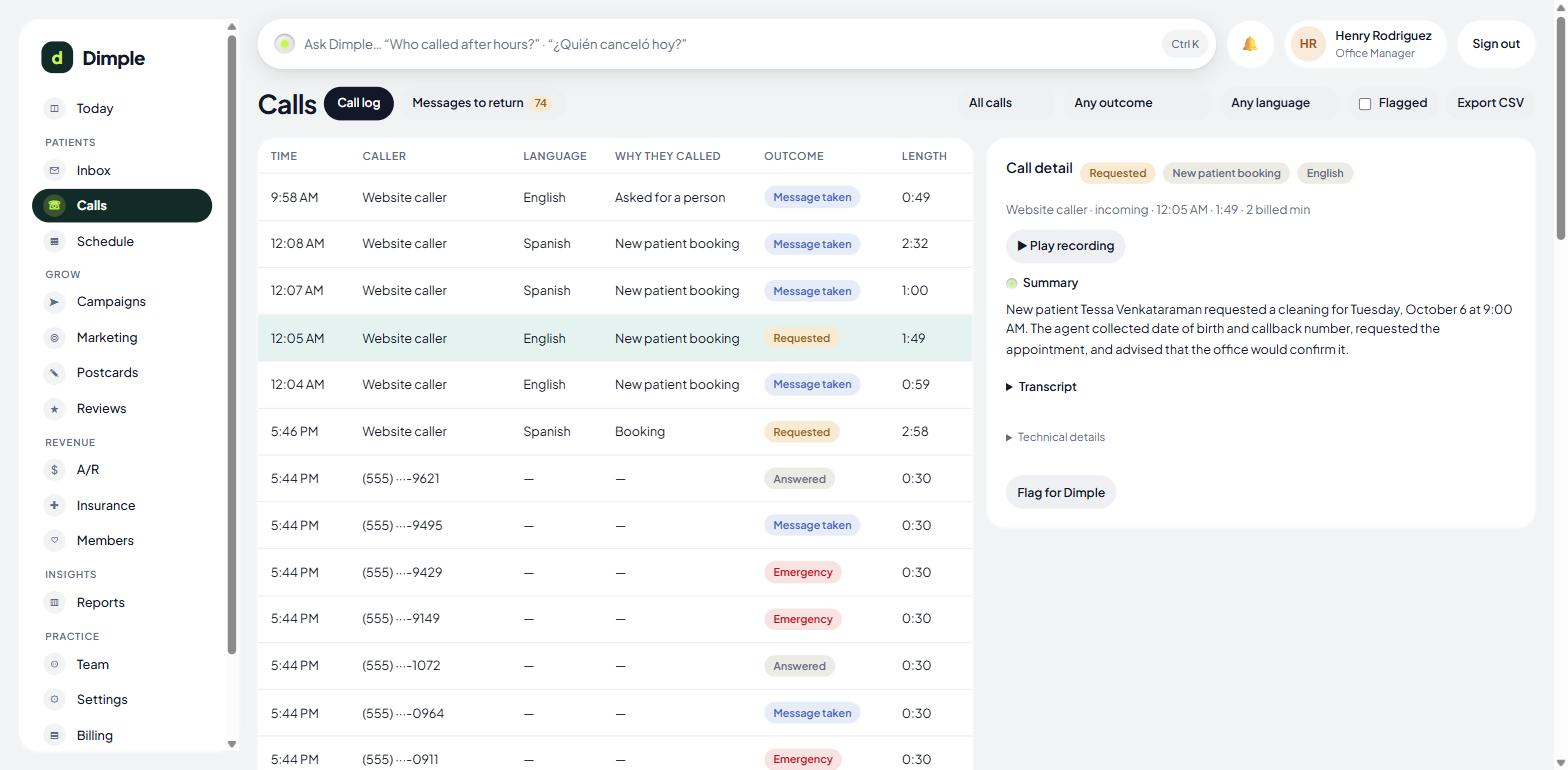
Answers calls on your existing number (forwarded) or a number we give you. First ring, 24 hours a day. It handles the six things callers actually want — book as a new patient, book as an existing one, reschedule or cancel, ask about hours or insurance, report an emergency, or reach a person. Anything else becomes a message you'll see. During office hours it can pass the call to your team with a whispered heads-up about who's calling and why. Prefer your team to answer first? Dimple can wait and only pick up if nobody does.
The schedule
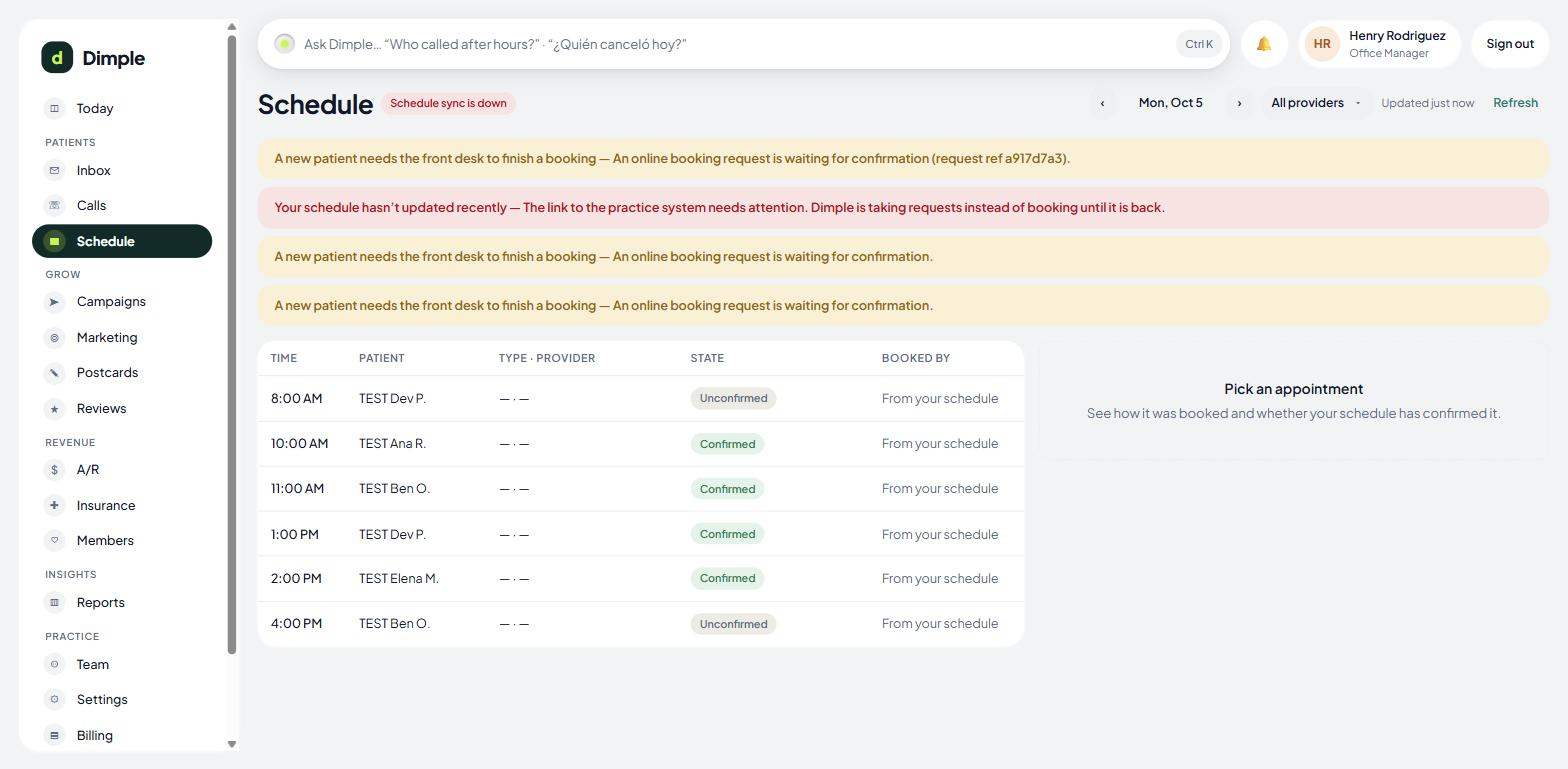
Dimple reads your real schedule and writes to it. It finds the patient by phone number (and name or birthday if it needs to), looks for real openings by appointment type and provider, offers up to three, and books. Families book back to back in one call. It never creates a duplicate patient, and it never says "you're booked" until your practice software confirms — until then the patient hears "I've requested that time; you'll get a text confirming it."
The inbox
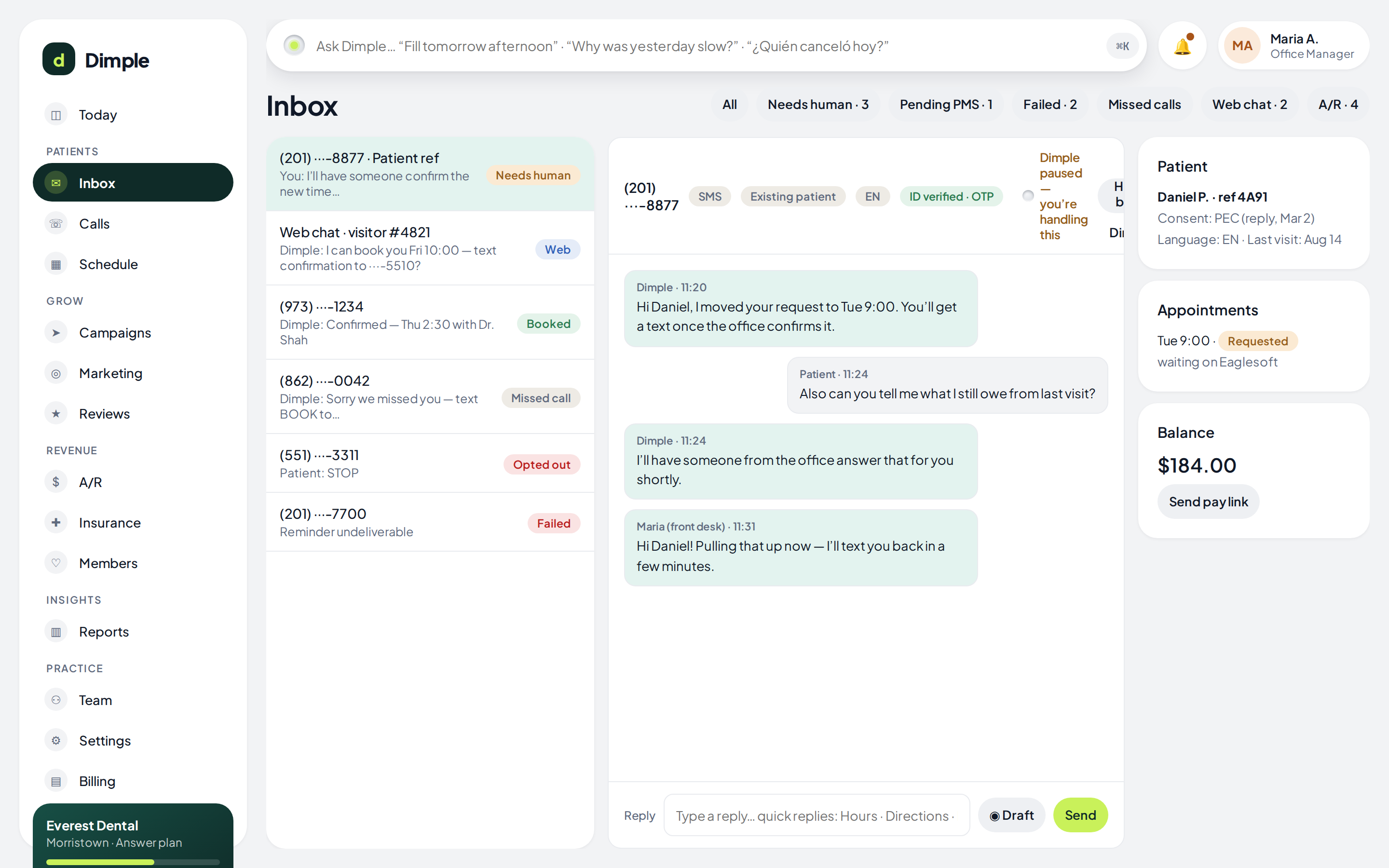
Every text conversation Dimple has — reminders, missed-call text-backs, questions — lives in one inbox your team can see. It sorts itself: Needs a human, Waiting on confirmation, Couldn't deliver, Missed calls, Website chat. One click takes a conversation over from Dimple. One click hands it back. Both are logged.
The knowledge base
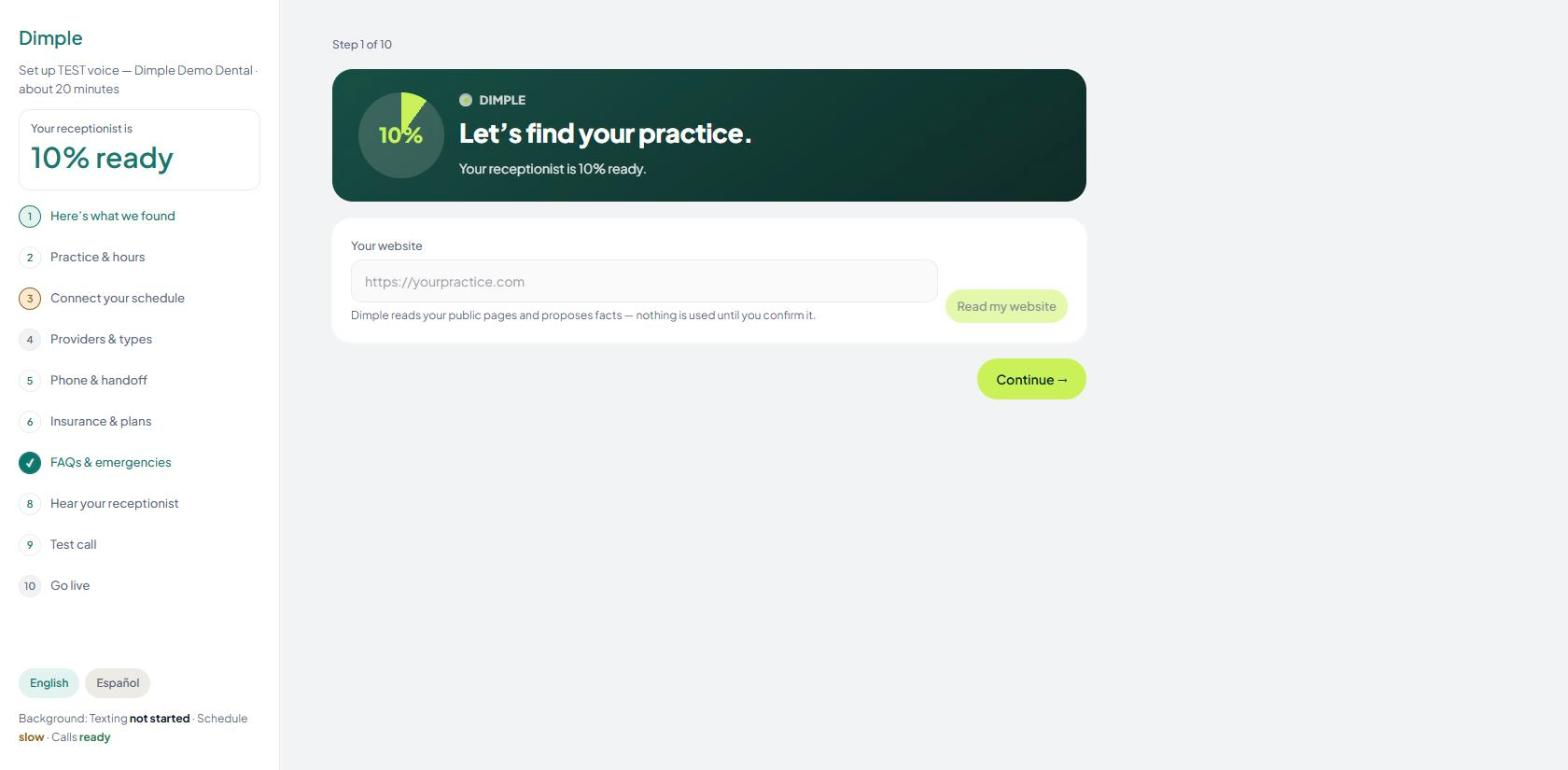
Your hours by day, holidays, providers, appointment types, insurance you take, your emergency instructions, your on-call number, your FAQs. Dimple reads your website and drafts most of it; you confirm what's right. Fixed facts — your address, your prices — are read word for word, never paraphrased. Every fact records who confirmed it.
“Just ask”
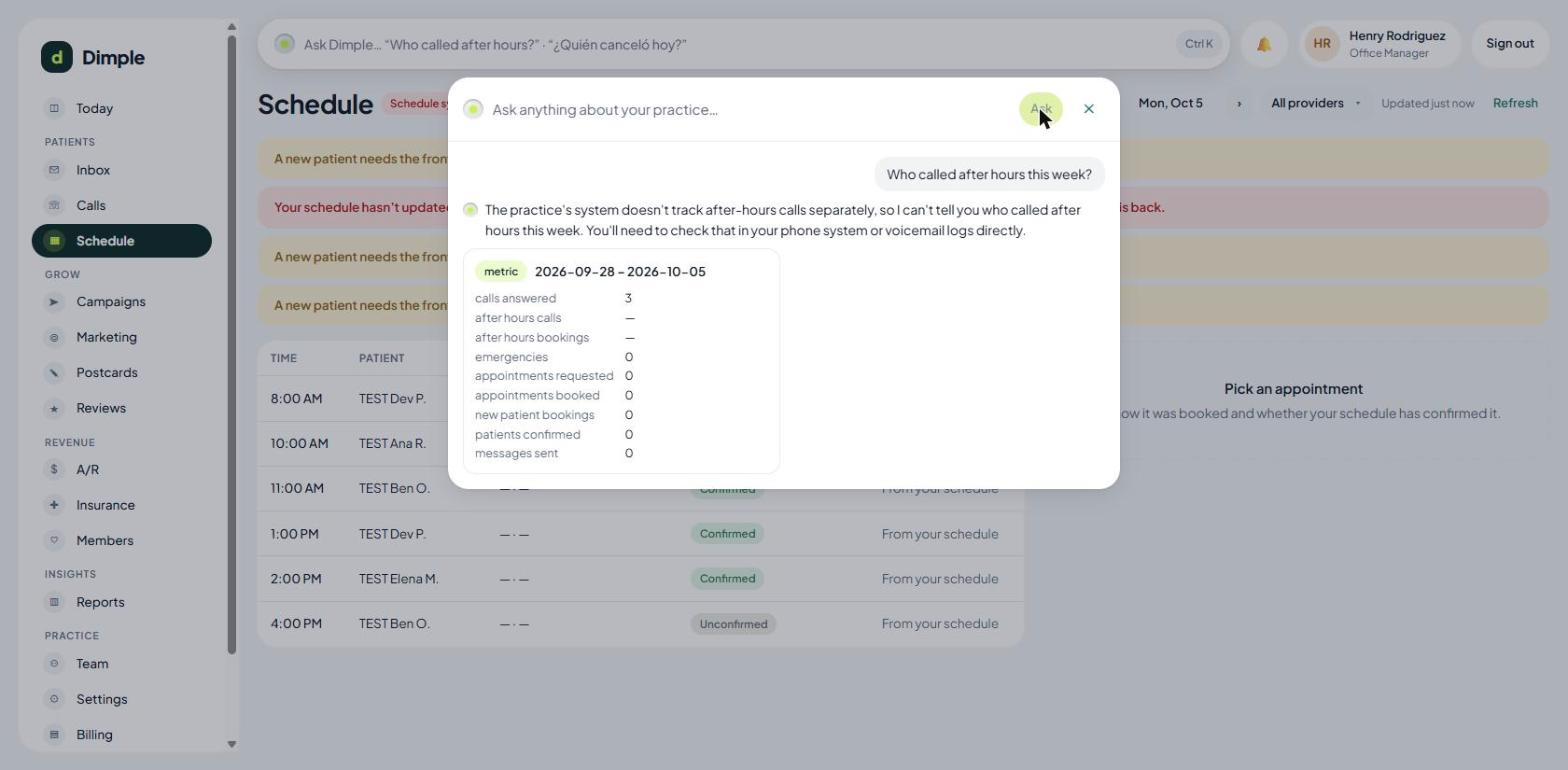
One box at the top of every screen. "Who called after hours?" "Move Mrs. Alvarez to Thursday afternoon." "How many new patients did we book in September?" For anything that changes the schedule or sends a message, Dimple shows you exactly what it's about to do and waits for your yes — unless you've told it to go ahead on its own for that kind of task.
The rules underneath all of it
Every text and call Dimple sends goes through the same checklist, in code: Does this person consent? Did they ever say stop? Is it quiet hours? Have we texted them too much today? Is everything healthy on our end? Only then does it go. No part of Dimple can skip the list. And if something fails, you see it — never a silent drop.
Onboarding in one sitting
- 1
“I found your practice.” Dimple reads your website and drafts your knowledge base.
- 2
Confirm the basics — hours, holidays, providers, appointment types, insurance.
- 3
Tell it what to say — your emergency message, your FAQs, your on-call rule.
- 4
Choose what Dimple handles — and what your existing tools keep doing. No double-texting.
- 5
Set up the number — forward yours, or use ours. Nothing about your phone system changes.
- 6
Read and agree — the texting consent wording, the privacy agreements.
- 7
Take the test call. Your phone rings. Dimple handles it. You're live.
We connect your practice software for you. You don't install anything, and there's no training class — the first screen each morning tells you what Dimple did.
Founding practices